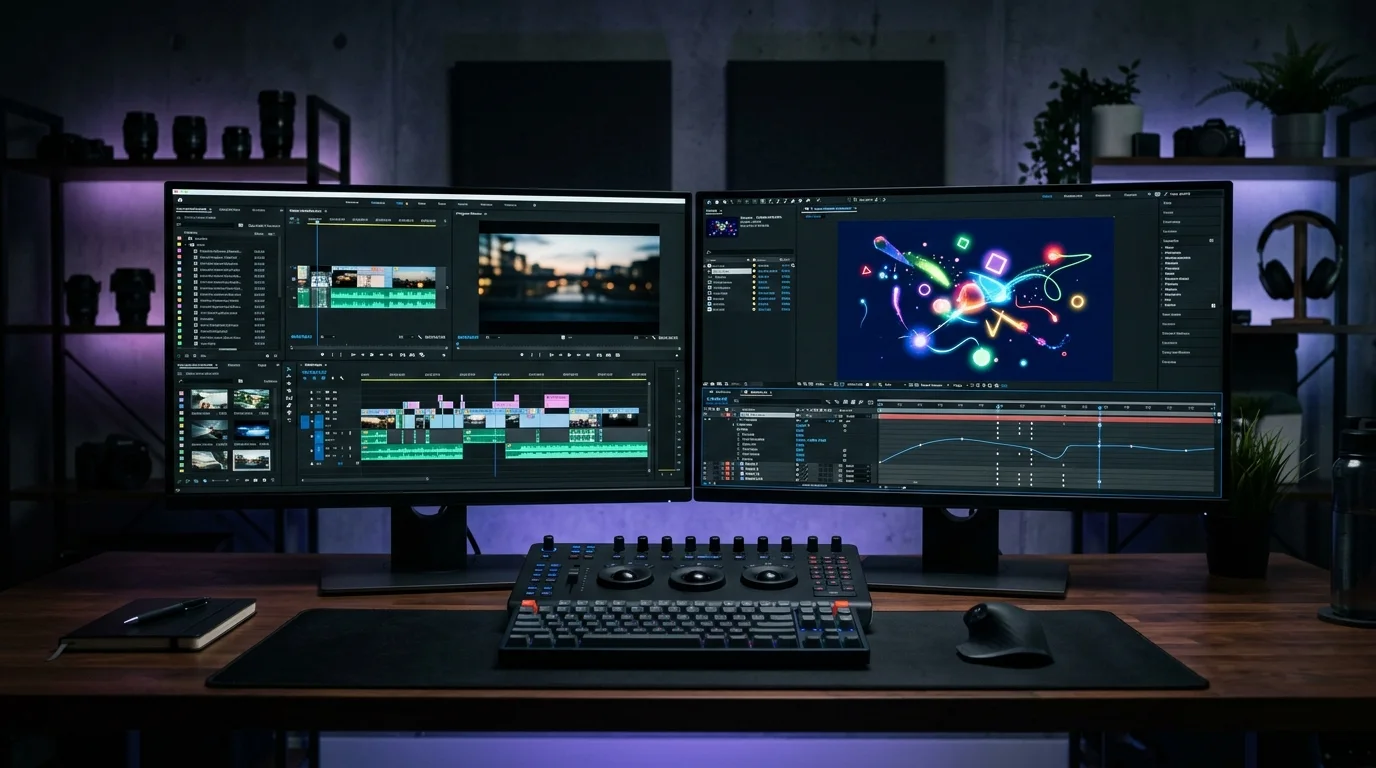
If you’re just starting your journey in video editing, you’ve probably heard people mention Adobe Premiere Pro and Adobe After Effects. Since both applications are part of Adobe Creative Cloud, many beginners assume they do the same thing.
The truth is, they serve very different purposes.
Understanding the difference between Premiere Pro and After Effects will help you choose the right tool, save time, and build a better editing workflow.
What is Adobe Premiere Pro?

Adobe Premiere Pro is a non-linear video editing software. It is designed for editing videos from beginning to end.
With Premiere Pro, you can:
- Import video clips
- Arrange footage on a timeline
- Trim and cut scenes
- Add music and sound effects
- Apply basic transitions
- Correct colours
- Export the final video
Think of Premiere Pro as the place where you assemble your entire story.
It is commonly used for:
- YouTube videos
- Corporate videos
- Interviews
- Documentaries
- Wedding videos
- Social media content
- Promotional videos

What is Adobe After Effects?

Adobe After Effects is a motion graphics, visual effects, and compositing software.
Instead of editing an entire video, After Effects is used to create individual visual elements that make videos more engaging.
Examples include:
- Animated titles
- Logo animations
- Motion graphics
- Infographics
- Visual effects
- Screen replacements
- Object tracking
- Green screen compositing
Think of After Effects as a digital animation studio where you create visual effects and graphics.

The Simple Analogy
Imagine you’re making a movie.
Premiere Pro is the editing room where you arrange every scene into the final film.
After Effects is the special effects department where you create animations, explosions, title sequences, or visual enhancements before bringing them back into the edit.
Both are important, but they solve different problems.

Which One Should Beginners Learn First?
For most beginners, Adobe Premiere Pro should be your first choice.
Learning Premiere Pro teaches you the fundamentals of video editing, including:
- Storytelling
- Cutting techniques
- Audio editing
- Timeline management
- Export settings
Once you’re comfortable editing videos, learning After Effects becomes much easier because you’ll already understand how a video project comes together.
Can You Use Both Together?
Absolutely.
In fact, many professional editors use both applications every day.
A common workflow looks like this:
- Edit your video in Premiere Pro.
- Send selected clips to After Effects.
- Create animations or visual effects.
- Save the project.
- Return automatically to Premiere Pro with the updated composition.
- Export the final video.
This workflow allows each application to do what it does best.
Final Thoughts
Adobe Premiere Pro and Adobe After Effects are not competitors. They are partners.
Premiere Pro helps you tell the story.
After Effects helps you make that story look more dynamic and visually impressive.
If you’re just beginning your post production journey, start with Premiere Pro. Build your editing skills first, then explore After Effects when you’re ready to add motion graphics and visual effects.
Learning both applications will give you a solid foundation for creating professional videos.
Frequently Asked Questions
Is Adobe After Effects better than Premiere Pro?
No. They are designed for different tasks. Premiere Pro is for video editing, while After Effects is for animation, motion graphics, and visual effects.
Can I edit an entire video in After Effects?
Technically yes, but it is not recommended. Premiere Pro is much faster and more efficient for editing complete videos.
Do professional video editors use both?
Yes. Many professional editors use Premiere Pro for editing and After Effects for creating motion graphics, title animations, and visual effects.
Which software should I learn first?
Most beginners should learn Adobe Premiere Pro first before moving on to Adobe After Effects.